Cool Clear 3D Resin Prints. Complete Technique Guide
Resin choice, settings, anti-bubble strategy, and gloss coat. What actually works for glass-like transparency.
Compare prices & save today
Sort by $/kg, filter by PLA, PETG, ABS. Real prices from Amazon, Ebay & AliExpress and manufacturer stores—find the cheapest filament in seconds.
CompareCool clear 3D resin prints are possible with the right resin, settings, and post-processing. Most people get cloudy or frosted results because they skip one of these steps. This guide covers what actually works.
Whether you want jewelry that catches light, gaming terrain with transparent water effects, or display pieces that look like glass, the process is the same. Resin choice matters, but so does how you print, wash, and finish. For project ideas, check our 35 cool clear resin prints roundup. Here we focus on technique.
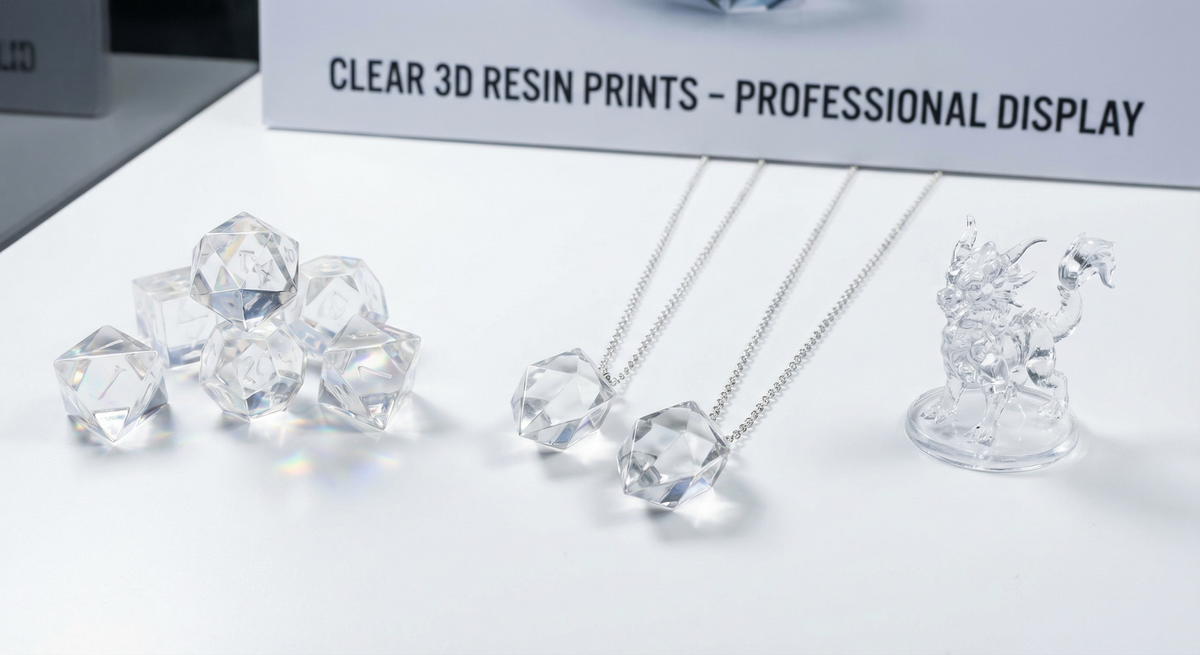
Resin Choice for Cool Clear Results
Not all clear resins deliver the same clarity. Water-clear formulations cost more but look dramatically better than standard transparent resin. Budget options work for learning; upgrade when results matter.
Standard transparent resins like Elegoo or Anycubic clear are fine for most uses. They need gloss coat or polishing to reach glass-like transparency. Water-clear resins such as Siraya Tech Blu Clear achieve better clarity straight off the printer but still benefit from a final coat. Water-washable clear resins simplify cleanup but often end up slightly cloudier. Choose based on your tolerance for IPA and willingness to post-process. For a full workflow on achieving crystal clarity, see our frosted to glass clear resin guide.
Budget option with decent clarity. Works well with gloss coat. Good for learning and bulk prints.
Amazon, Elegoo ClearPremium water-clear resin. Best clarity without extra work. Tougher than standard clear.
Amazon, Siraya Blu ClearFills layer lines and turns frosted prints glass-like. Faster than sanding. Protects from yellowing.
Amazon, Gloss Clear CoatPrint Settings That Improve Clarity
Clear resin behaves differently from opaque resin. UV light penetrates deeper, so overexposure causes bloating and yellowing. Underexposure gives weak layers. Dial in exposure for your specific resin and printer. Official Elegoo resin settings and Anycubic resin settings are good starting points.
- Layer height: 0.025 or 0.03mm. Thinner layers reduce visible stepping. Thicker layers print faster but show more lines.
- Lift speed: 60mm/min or slower. Fast lift creates bubbles that get trapped in clear resin.
- Anti-aliasing: Enable and set high. Softens layer edges for smoother appearance.
- Retract speed: Match lift. Sudden movements disturb the vat and introduce bubbles.
A dirty vat or contaminated resin ruins clarity before you even cure. Filter resin when pouring back. Keep your FEP clean. See our 5 minute vat cleaning method for the routine that prevents most problems.
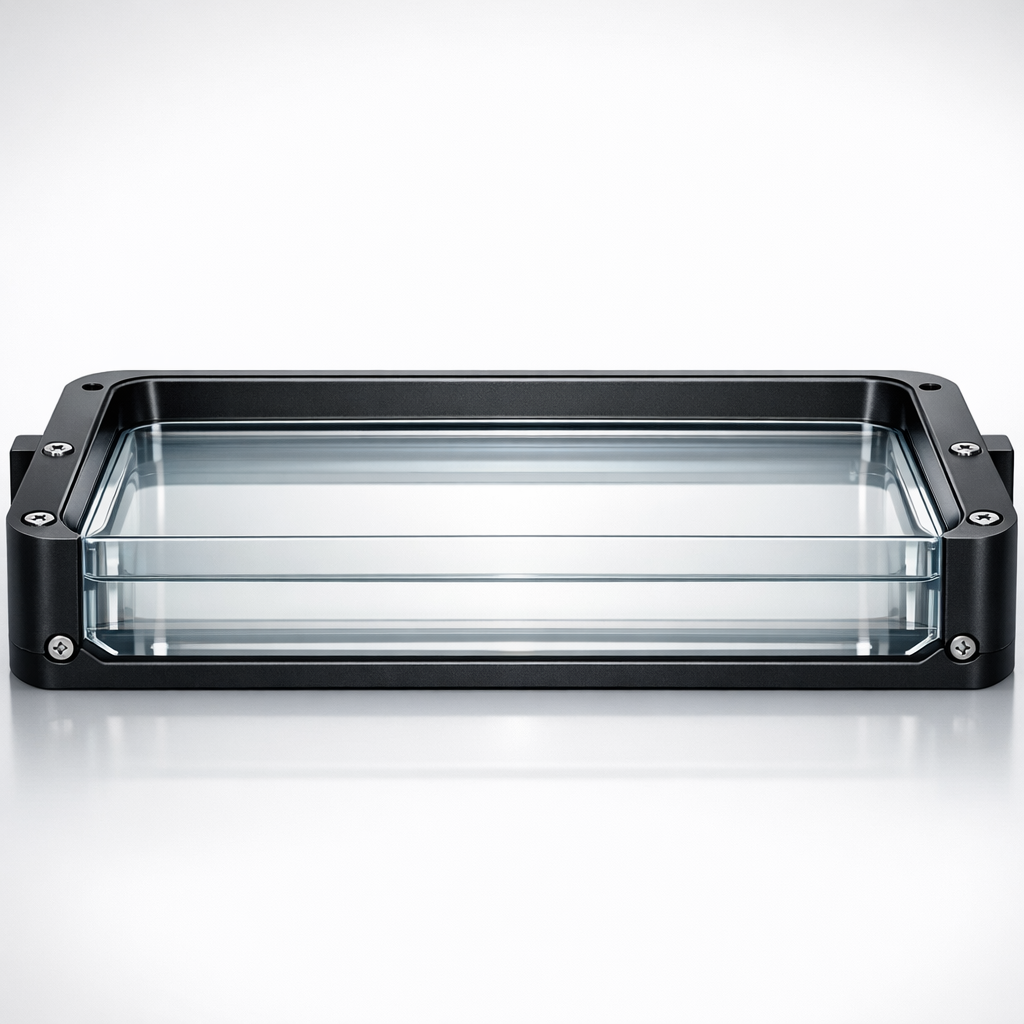
Avoiding Bubbles in Clear Resin Prints
Bubbles are the enemy of cool clear 3D resin prints. They create cloudy spots and internal voids. A few habits prevent most of them.
- Warm resin to 25–30°C before printing. Cold resin holds more dissolved air. A warm water bath for the bottle works.
- Pour slowly down the vat wall, not in the center. Direct pours create turbulence and trap air.
- Do not shake the bottle. Stir gently if you need to mix. Shaking introduces thousands of tiny bubbles.
- Wait 30–60 minutes after filling the vat before starting a print. Bubbles rise and pop. Rushing ruins clarity.
If you still get bubbles in thick sections, add a small vent hole in your slicer. Hollow prints need drainage anyway; a vent doubles as bubble escape. For support removal without breaking fragile clear parts, our hot water support removal guide helps.
Post-Processing for Glass-Like Finish
Cool clear 3D resin prints straight from the printer look frosty. That is normal. Microscopic layer lines scatter light. The fix is not always sanding. A UV-resistant gloss clear coat fills those lines so light passes through. Ten minutes with a spray can often beats hours of sanding. For the full step-by-step, read our gloss coat technique.
Washing matters more than most people think. Use 95% or higher IPA. Dirty or cloudy IPA leaves white streaks that no amount of clear coat fixes. Dunk gently; aggressive swishing can scratch. Dry completely before curing. Cure briefly. Over-curing turns clear resin yellow. A gloss coat applied after light curing protects from UV and adds clarity.
If you prefer sanding, go 400 to 800 to 1500 to 2000 to 3000 grit, always wet. Then plastic polishing compound and a soft microfiber. It works but takes longer and one missed spot shows. Gloss spray is more forgiving.
Clean IPA for washing prints. Cloudy or reused IPA leaves residue that ruins transparency.
Amazon, IPA 99%Wear when handling uncured resin and during post-processing. Resin is a skin irritant.
Amazon, Nitrile GlovesTroubleshooting Cool Clear Resin Prints
- Cloudy or frosted after washing: IPA residue or dirty wash liquid. Use fresh IPA. Rinse with distilled water if possible. Dry fully before curing.
- Yellow tint: Over-curing. Reduce cure time or intensity. Apply gloss coat as UV barrier.
- Bubbles inside the print: Warm resin before printing. Slow lift speed. Wait longer after filling vat.
- Visible layer lines: Lower layer height. Use anti-aliasing. Gloss coat fills minor lines; sand for major ones.
- White streaks after clear coat: Print was not fully dry or had IPA residue. Re-wash with fresh IPA, dry 24 hours, try again.
When Clear Resin Makes Sense
Cool clear 3D resin prints work best for jewelry, gaming terrain, display pieces, and anything that benefits from transparency. Skip clear resin for functional parts that need strength; opaque resins handle stress better. If you are new to resin printing, start with our best resin printers guide. Once you have the basics, clear resin adds a whole category of projects. For 35 specific ideas from dice to dioramas, see our clear resin prints roundup.
FAQ
- What is the best resin for cool clear 3D resin prints?
- Siraya Tech Blu Clear gives the best clarity with minimal post-processing. Elegoo Standard Transparent is a solid budget option; pair it with gloss coat for glass-like results.
- Why are my clear resin prints cloudy?
- Usually one of three causes: microscopic layer lines (fix with gloss coat), dirty IPA leaving residue (use fresh 95%+ IPA), or over-curing (reduce cure time).
- Do I need to sand clear resin for transparency?
- No. Gloss clear coat spray fills layer lines without sanding. Sanding works but takes 2–3 hours; spray takes about 10 minutes.
- Why do clear resin prints turn yellow?
- UV exposure. Over-curing and sunlight cause it. Use UV-resistant gloss spray as protection. Cure just enough to handle, then apply the coat.
- Can I add color to clear resin prints?
- Yes. Alcohol inks or resin dyes mixed with IPA. Brush or drop onto the cured model. Colors bleed into the surface for gradients. See our frosted to glass guide for details.
- What layer height for clearest resin prints?
- 0.025 or 0.03mm. Thinner layers reduce visible stepping. Combined with anti-aliasing and gloss coat, results approach glass.
Stop overpaying for 3D filament!
Compare brands and save today. Our tool shows real prices from Amazon, Ebay, AliExpress and manufacturer stores.
Compare brands & save today