How to Remove Resin 3D Printer Supports with Hot Water (2026 Guide)
Stop snapping arms and leaving craters. The hot water method turns brittle supports into peelable rubber—step-by-step, with tools and disposal.
Compare prices & save today
Sort by $/kg, filter by PLA, PETG, ABS. Real prices from Amazon, Ebay & AliExpress and manufacturer stores—find the cheapest filament in seconds.
CompareDoes hot water soften resin? Yes. It's the single biggest upgrade you can make to your post-processing workflow. Veteran printers use this trick to turn brittle supports into soft, peelable rubber instead of snapping arms, breaking swords, and leaving ugly craters. Here's the complete guide: the science, the exact steps, disposal, and the tools that actually work.
If you've ever finished a 6-hour print of a detailed miniature, washed it perfectly, then watched a chunk fly across the room when you touched the supports with clippers, you're not alone. The problem isn't your skills. It's that uncured resin is thermoset plastic in a "green" state. Heat changes everything.
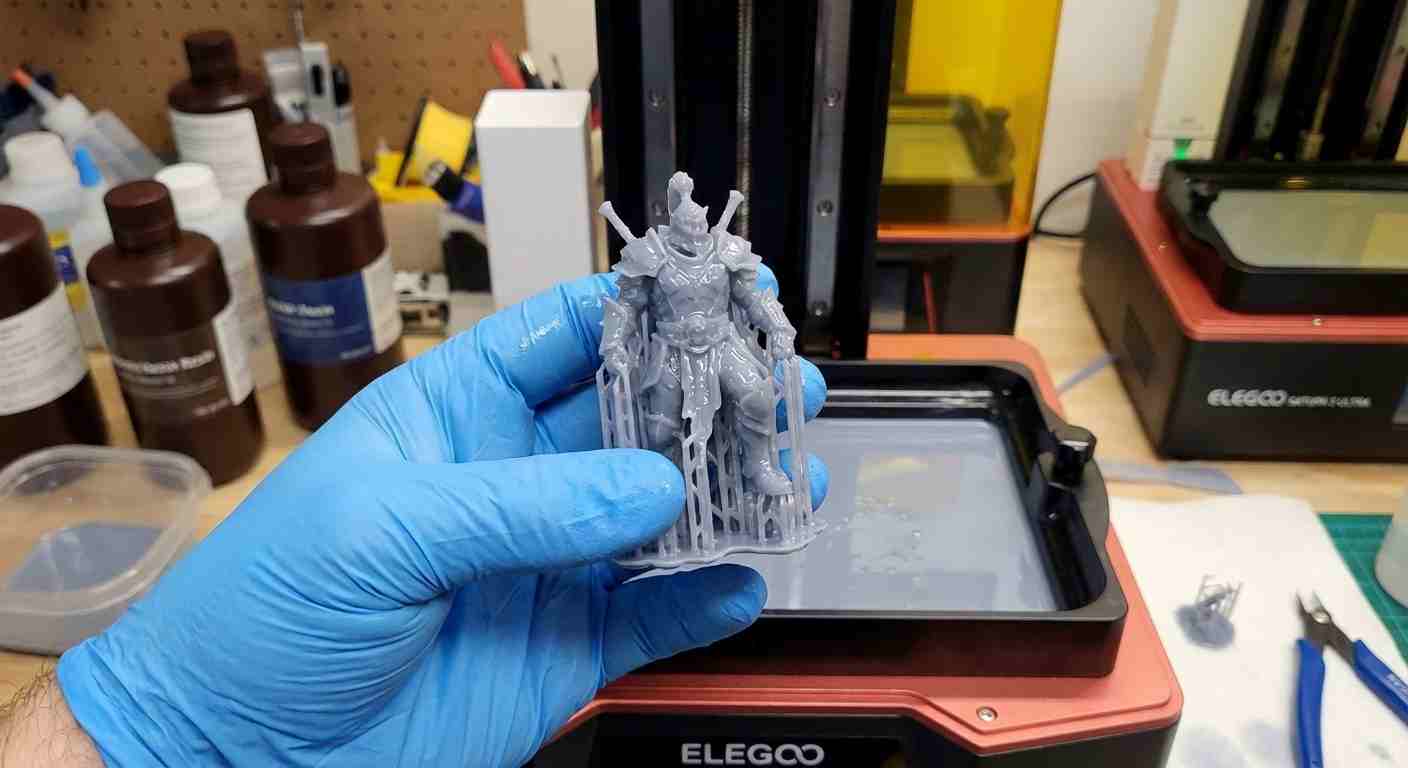
Why Hot Water Works
Resin prints are thermoset plastics. After printing but before final UV curing, they're still chemically settling. When you introduce heat, you bring the plastic closer to its Glass Transition Temperature. You're not melting it, just relaxing the polymer chains.
Thin support structures soften and become pliable, while the thicker main model stays rigid enough to hold its shape. That's why supports peel like cooked spaghetti while your miniature's arm stays intact. No mystery, just polymer physics.
Hot Water Bath Step-by-Step
Step 1. Pre-Wash
⚠️ Safety: Never put a fresh, unwashed print into hot water. You'll create toxic steam and contaminate the water with liquid resin. Always wash your print first in IPA (isopropyl alcohol 99%+) in a wash station or a dedicated IPA bath. The model must be clean and dry before it touches water.
Step 2. Prepare the Water
Fill a heat-resistant container with hot tap water.
- Target temperature: 50°C–60°C (120°F–140°F)
- Rule of thumb: Hot enough that you wouldn't want to keep your hand in it for long, but not boiling. Boiling water warps thin details instantly.
For precise control, a temperature-controlled electric kettle helps, but tap water works fine.
Step 3. The Dunk
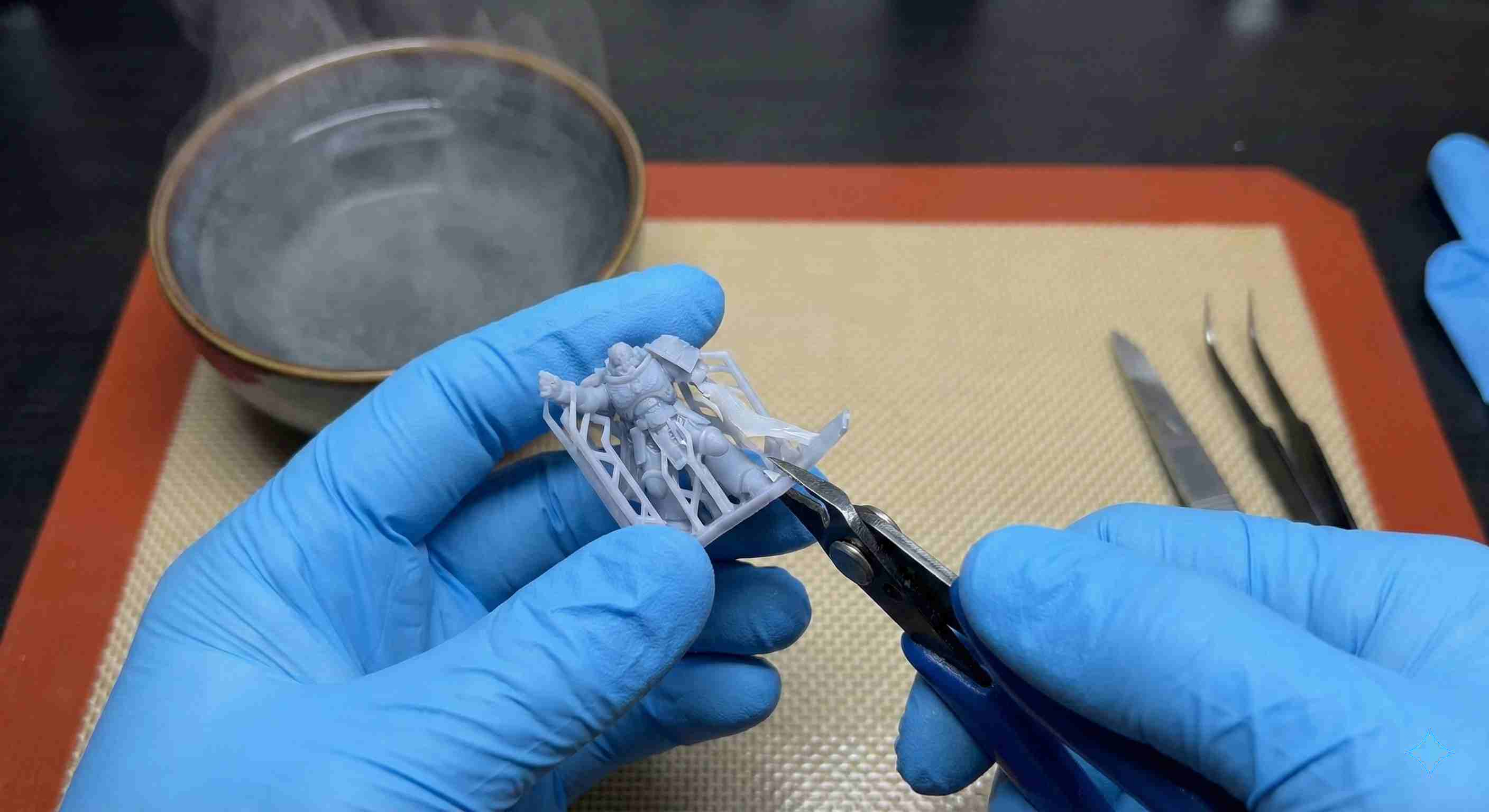
Submerge the model for 15–45 seconds. Use tweezers or plastic tongs. Don't leave it in and walk away. Thin parts soften fastest. If the model is large, focus the hot water on the support areas.
Step 4. The Peel
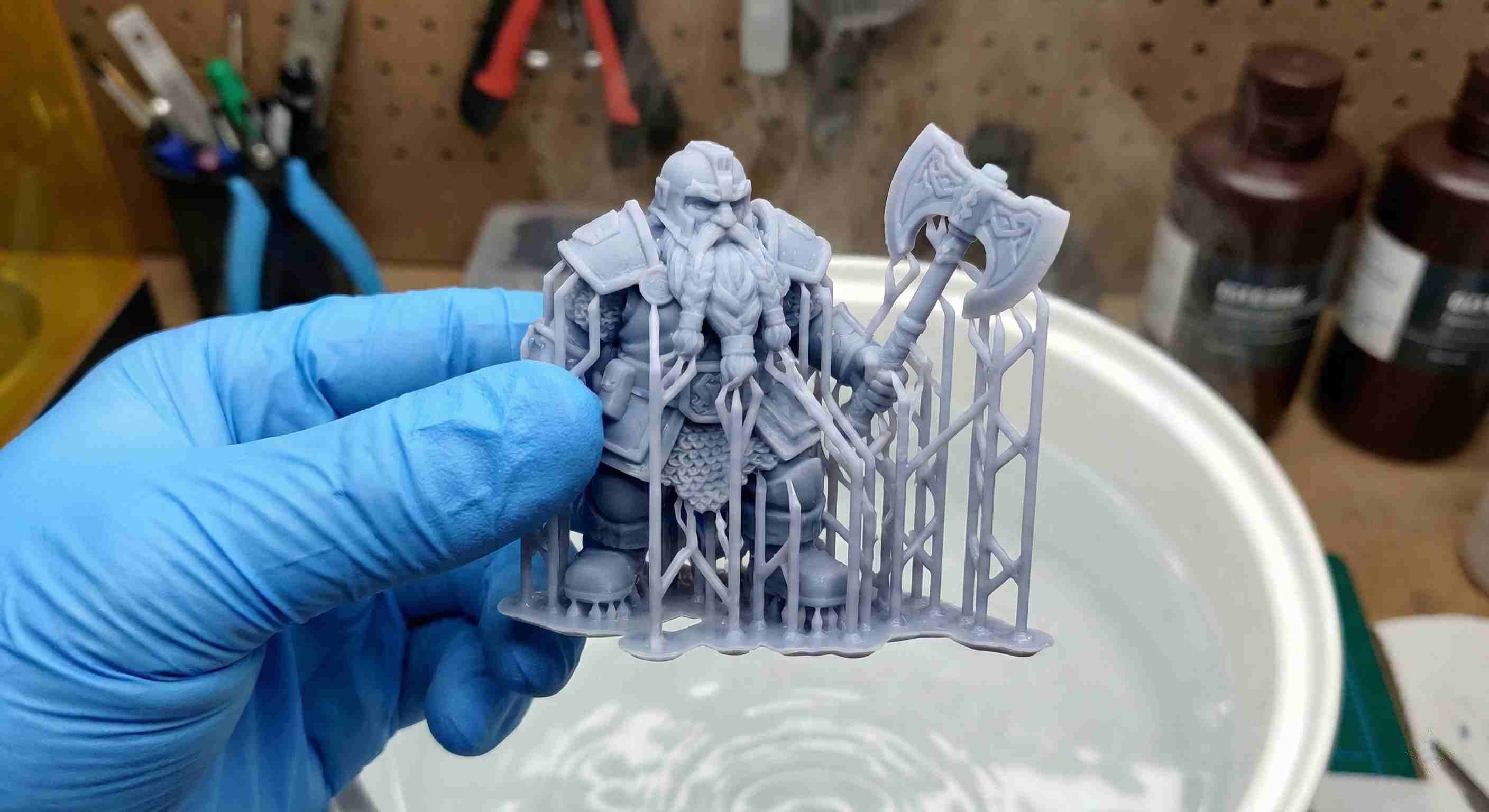
Pull the model out. Supports should feel like cooked spaghetti. Grab the main support trunk and peel it away. It should detach with a gentle pop, leaving almost no mark. For heavy supports, use fine flush cutters; they'll cut like butter without snapping the model.
Heat Gun or Hair Dryer
No bucket of water? Dry heat works too.
- Pros: No water disposal, you can target specific areas.
- Cons: High risk of overheating. A heat gun can melt a print in seconds if you're not careful.
Practical tip: Use a hair dryer on "High" first. It's hot enough to soften supports but usually not hot enough to warp or melt the model. If you use a low-temp heat gun, keep it moving and at least 15–20 cm away. Never hold it static on one spot.
Disposing of Contaminated Water
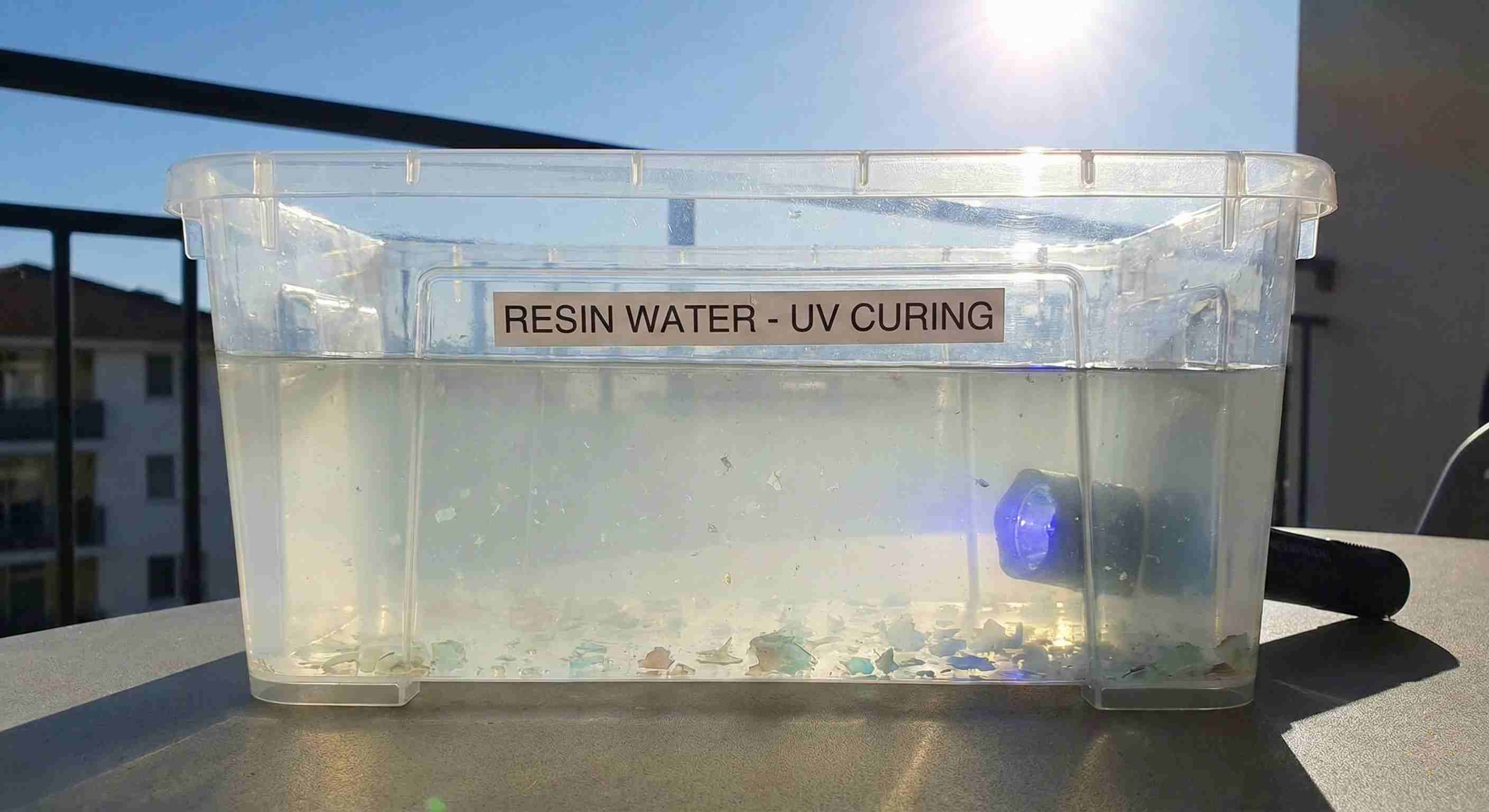
After dunking your print, that hot water is toxic waste. It contains trace uncured resin. Do not pour it down the sink. Resin harms aquatic life.
Correct disposal: Leave the container outside in the sun or under a UV flashlight or UV lamp for a day. The trace resin cures and turns into flakes at the bottom. Filter the flakes out and throw them in the trash, then pour the water away or let it evaporate completely. When in doubt, evaporate.
Common Questions
Can I remove supports after curing?
No. Once you UV-cure the model, the plastic hardens permanently. Removing supports after curing will shatter them and leave visible marks. Always remove supports after washing but before curing.
Do I remove the film from the resin printer plate?
Check your build plate. If it has a protective plastic sticker when new, yes, remove that. You print on bare metal.
Do not remove the clear film at the bottom of the vat. That's the FEP film. It must stay.
Will hot water warp my print?
It can, if the water is boiling or you leave it in too long. Stick to hot tap water and keep dunk time under 60 seconds. If a thin part does warp slightly, you can sometimes use the hot water again to gently bend it back.
What temperature is best?
50–60°C (120–140°F) is the sweet spot. Hot enough to soften supports, not hot enough to warp. A digital thermometer helps if you're unsure.
Tools of the Trade
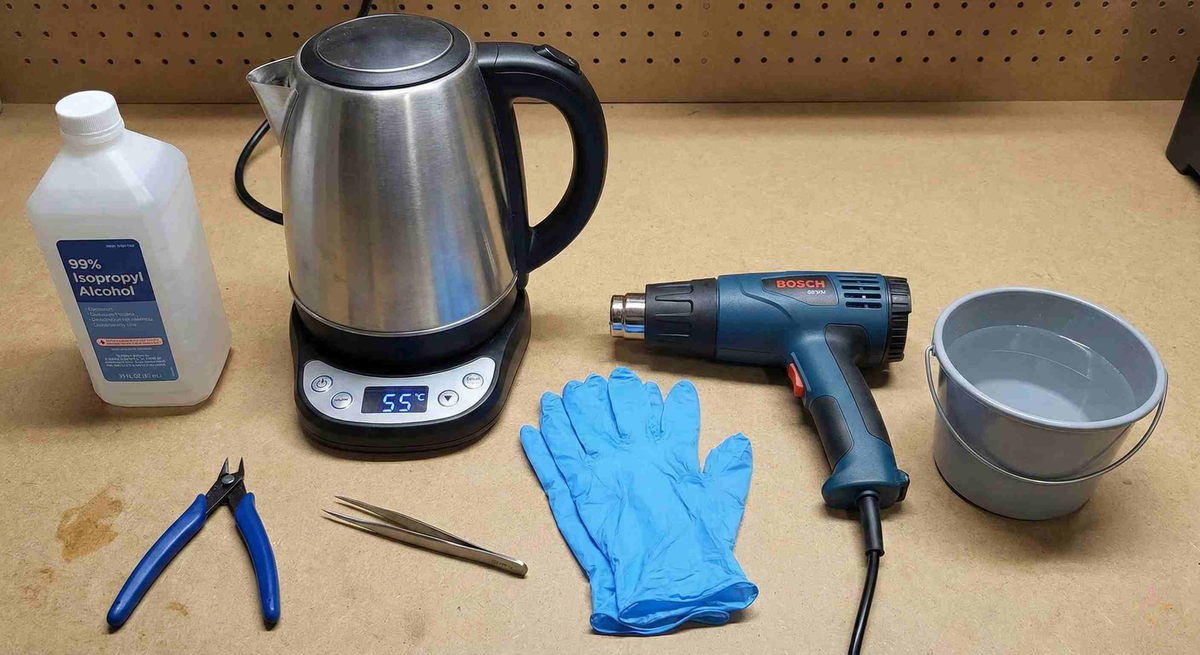
Here’s what you actually need. All links go to Amazon. We earn a small commission at no extra cost to you.
- IPA (isopropyl alcohol): 99%+ IPA — for washing before the hot water step. Cheap and essential.
- Electric kettle with temperature control: Variable-temp kettle — optional but makes repeatable results easy.
- Fine flush cutters: Precision flush cutters — for supports that don't peel; these cut close without stress marks.
- Tweezers / tongs: Stainless tweezers or plastic tongs — to hold the print in hot water safely.
- Heat gun: Low-temp heat gun — if you prefer dry heat; use with care.
- Nitrile gloves: Nitrile gloves — always wear when handling uncured resin.
If you're serious about resin printing, a wash and cure station streamlines washing and curing. You still do the hot water step manually after washing, before curing.
The Workflow That Works
- Wash print in IPA. Dry it.
- Dunk in hot water 50–60°C for 15–45 seconds.
- Peel supports with fingers or cut with flush cutters.
- Cure the model in UV.
- Dispose of used hot water safely. UV cure the residue, then evaporate or filter.
That's it. No more broken arms, no more craters. Hot water is the secret that turns resin support removal from a nightmare into a smooth, predictable step. Your minis will thank you.
Stop overpaying for 3D filament!
Compare brands and save today. Our tool shows real prices from Amazon, Ebay, AliExpress and manufacturer stores.
Compare brands & save today