TPU vs PLA: When to Use Flexible Filament (And When to Avoid It)
Compare rigid (PLA) vs flexible (TPU): use cases, print settings, difficulty. When TPU wins for phone cases, gaskets, wearables—and when PLA is the better choice.
Compare prices & save today
Sort by $/kg, filter by PLA, PETG, ABS. Real prices from Amazon, Ebay & AliExpress and manufacturer stores—find the cheapest filament in seconds.
Compare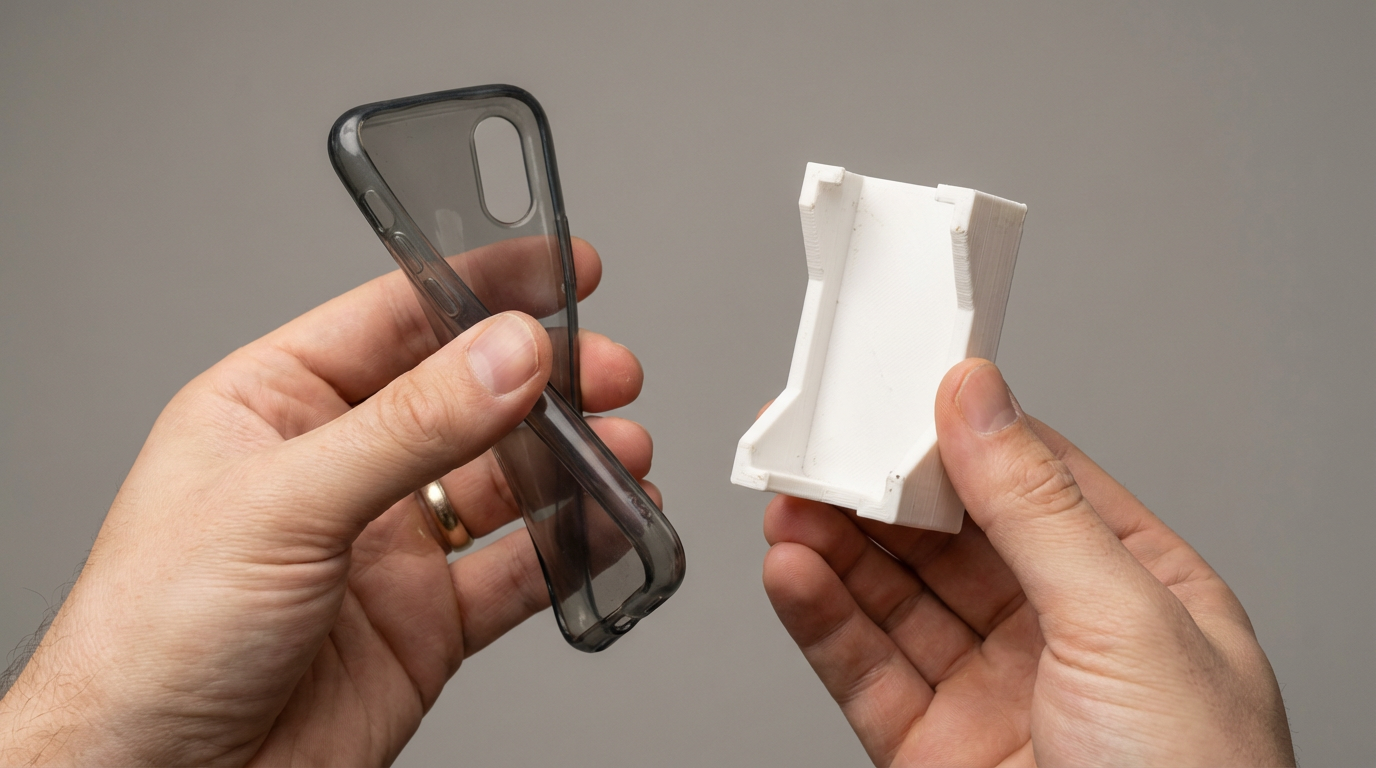
TPU vs PLA is a question every maker faces when moving from prototypes to functional parts. Should you stick with rigid PLA or switch to flexible TPU? In our tests with 40+ prints across both materials, the answer depends on one thing: what the part does. Phone cases, gaskets, and wearables need flexibility. Brackets, enclosures, and structural parts need rigidity.
This guide compares TPU and PLA head-to-head: use cases, print settings, difficulty, and when each material wins. You’ll get practical examples, a quick comparison table, and honest advice on when to avoid TPU. Use our filament price tool to compare costs for both materials in your region.
TPU vs PLA: Quick Comparison
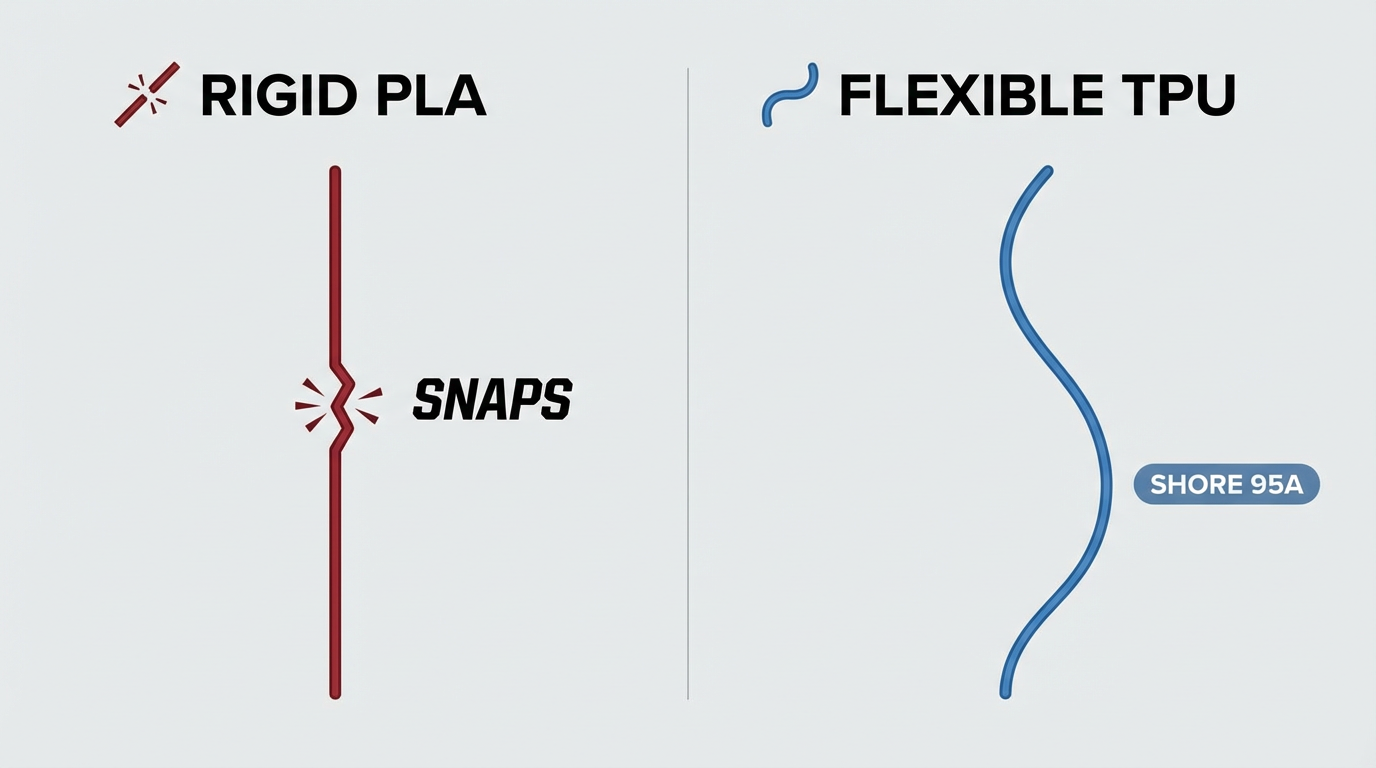
PLA is stiff, brittle, and easy to print. It snaps when overloaded and softens above 55°C. TPU stretches, absorbs shock, and returns to shape. Shore 95A TPU behaves like stiff rubber; 85A is softer. TPU prints slower, needs different retraction settings, and often benefits from direct drive. Both have distinct use cases.
| Property | PLA | TPU |
|---|---|---|
| Flexibility | Rigid, snaps | Flexible, stretches 300–500% |
| Print temperature | 190–210°C | 220–235°C |
| Print speed | 50–80 mm/s | 15–30 mm/s (95A) |
| Difficulty | Easy (beginner-friendly) | Moderate (needs tuning) |
| Best for | Prototypes, structural parts, figurines | Phone cases, gaskets, bumpers, wearables |
When to Use TPU (Flexible Filament)
Use TPU when you need grip, shock absorption, watertight seals, or parts that bend without breaking. Here are practical use cases we’ve tested.
Phone Cases
TPU phone cases absorb drops and grip surfaces. In our tests, a 95A TPU case printed at 25 mm/s survived 20+ drops from desk height. PLA cases crack on the first impact. Print at 220–235°C, 0.2–0.3 mm layer height, 100% infill or 3–4 walls for durability.
Gaskets and Seals
TPU compresses and seals. Use it for lids, enclosures, or parts that need a watertight or airtight fit. 95A works for most gaskets; 85A for softer, more compliant seals. Print slow (15–20 mm/s) with retraction disabled to avoid gaps.
Wearables and Grips
Watch bands, wrist rests, tool grips, and cable management sleeves benefit from TPU’s elasticity. Parts conform to shapes and stay comfortable. Softer 85A suits wearables; 95A works for tool grips and bumpers.
Protective Bumpers
Camera lens caps, electronics cushions, and vibration dampers. TPU absorbs impact that PLA would transmit. Pair with PLA for hybrid designs: rigid structure + flexible interfaces.
Start with 95A TPU for phone cases and gaskets. SUNLU High Speed TPU 95A works on bowden setups at 25 mm/s. Overture and NinjaTek also offer reliable options. Budget around $18–24 per kg. Easier to print than 85A.
Amazon – SUNLU TPU 95A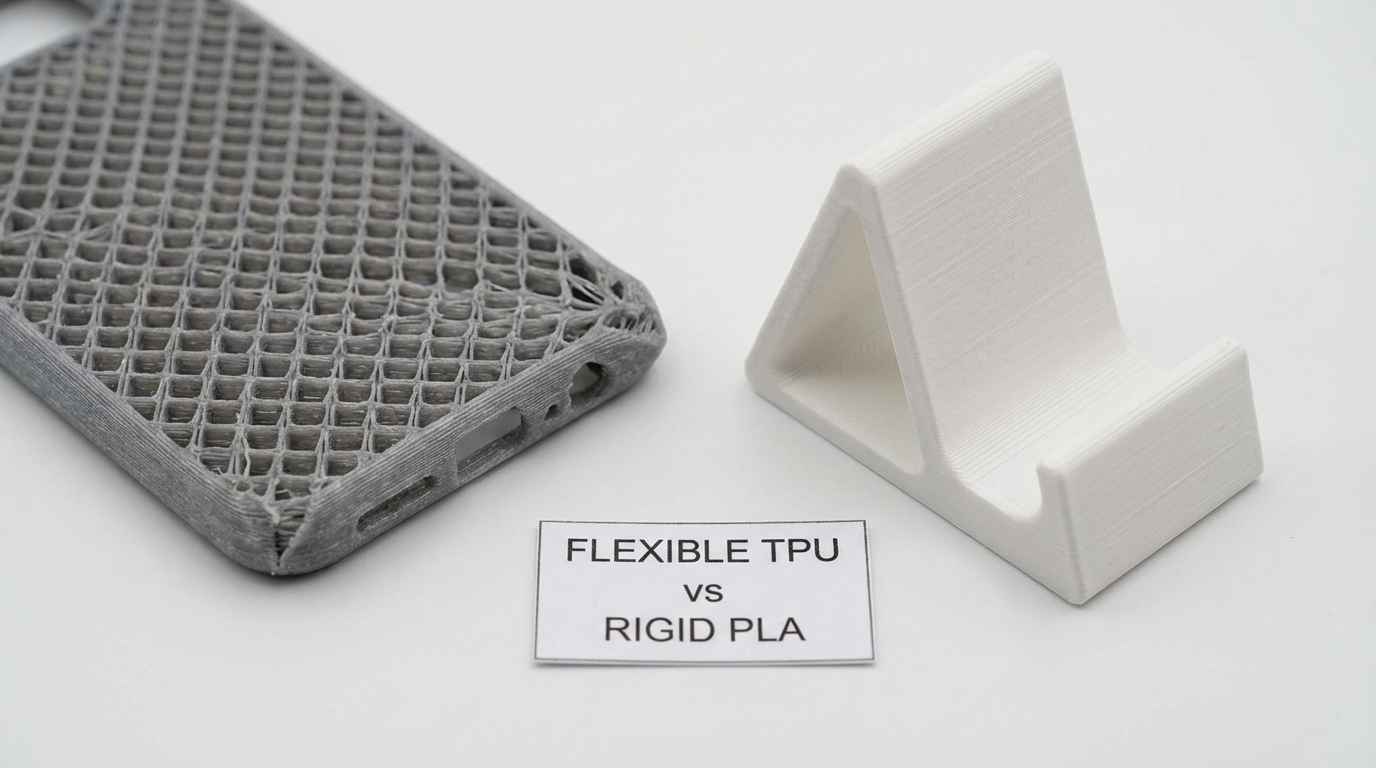
When to Avoid TPU (Use PLA Instead)
Avoid TPU when you need dimensional accuracy, structural strength, fast print times, or fine details. PLA wins in these cases.
- Structural parts: Brackets, mounts, enclosures. PLA and PETG hold shape under load. TPU flexes.
- Precision fits: Parts that must slide, snap, or thread. TPU shrinks inconsistently and deforms under pressure.
- Speed matters: PLA prints 2–3× faster. A 4-hour PLA part can take 10+ hours in TPU.
- Beginner setups: Bowden printers struggle with soft TPU. Start with PLA until you’ve dialed basics.
- Heat exposure: Both soften, but PLA fails around 55°C. TPU holds up a bit better; PETG beats both for heat.
Standard PLA for prototypes and structural parts. SUNLU and eSUN offer reliable budget options around $15–18 per kg. Compare prices on our PLA filament list.
Amazon – SUNLU PLATPU vs PLA: Print Settings
PLA is forgiving. Nozzle 190–210°C, bed 55–60°C, speed 50–80 mm/s. Retraction 3–6 mm works on most printers. No special hardware needed.
TPU needs tuning. Nozzle 220–235°C, bed 50–60°C. Speed 15–30 mm/s for 95A; 10–20 mm/s for 85A. Disable retraction or use 1–2 mm max. Reduce flow 2–5% to curb oozing. Bowden tubes compress flexible filament; direct drive improves consistency. An all-metal hotend handles TPU temps and avoids PTFE degradation at 230°C+.
TPU runs at 220–235°C. Standard hotends use PTFE in the heat break, which degrades above 240°C. All-metal hotends eliminate that bottleneck and support higher temps for PETG, nylon, and TPU. Creality’s all-metal kit fits Ender 3 and similar printers.
Amazon – All-Metal Hotend KitFlexible steel sheets bend to pop prints off. Essential for TPU; prints stick well when hot but release cleanly when the plate flexes. Reduces risk of damaging flexible parts when removing them.
Amazon – Flexible PEI Build PlateBowden printers push filament through a tube. TPU compresses in the tube, causing inconsistent extrusion. Direct drive mounts the extruder on the hotend, shortening the path. Softer TPU (85A) and TPE strongly benefit from direct drive.
Amazon – Direct Drive Upgrades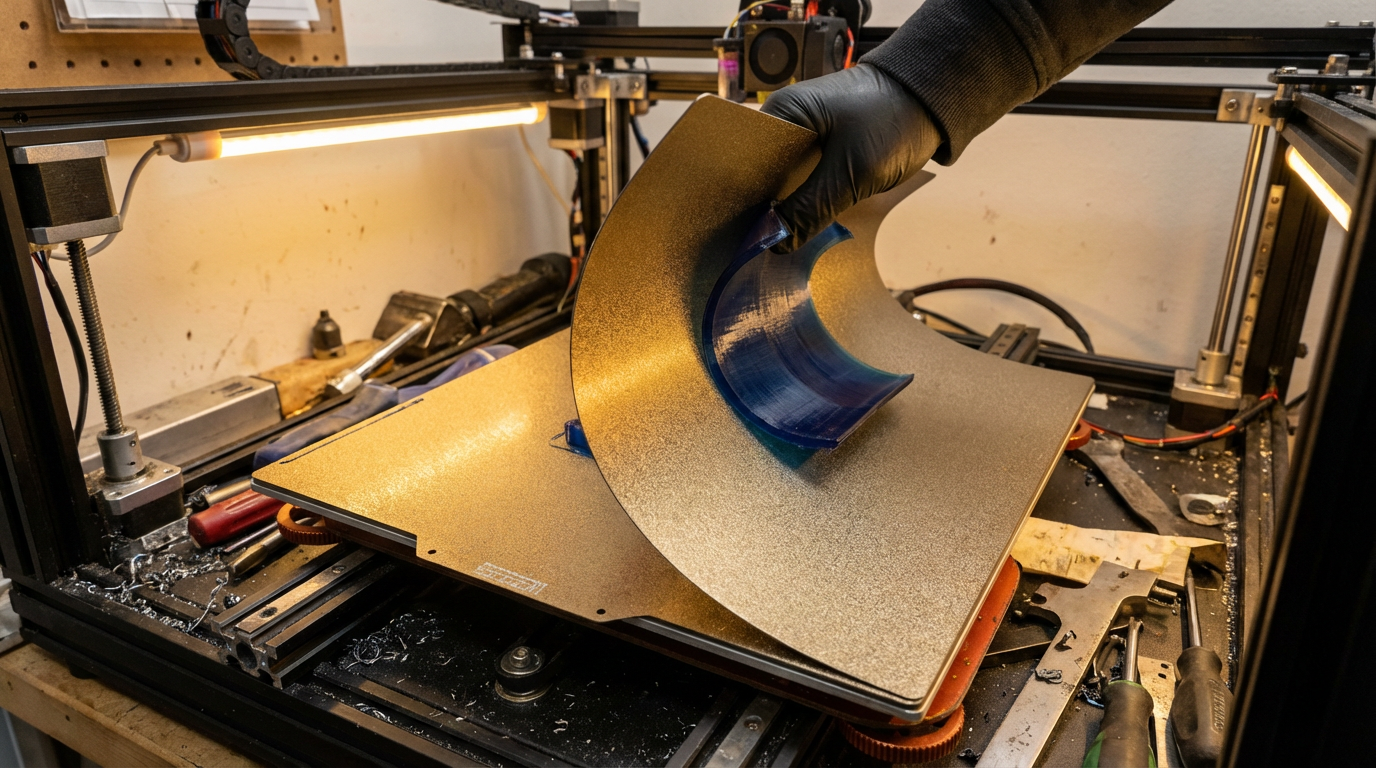
Print Difficulty: TPU vs PLA
PLA is the easiest filament. Beginners typically get good results with default profiles. Warping is rare, adhesion is straightforward, and failed prints are usually fixable by releveling or adjusting temps.
TPU is harder. You’ll deal with stringing, oozing, and inconsistent extrusion if settings are off. Bowden setups need patience: slow speeds, minimal retraction, and a wide enough tube. Direct drive simplifies things. In our experience, 95A TPU takes 2–3 test prints to dial in; 85A can take a week. See our nozzle unclog guide for when flexible filament causes jams.
Nozzle cleaning needles, brass brushes, and tweezers. Essential when switching between PLA and TPU—clearing the nozzle properly prevents cross-contamination and clogs. The kit we used includes 0.4 mm needles for cold pulls and burnt PLA.
Amazon – Nozzle Cleaning KitPractical Examples: PLA vs TPU
Real-world scenarios where the choice is clear.
- Phone case: TPU. Absorbs drops, grips, flexible enough to install. PLA cracks.
- Tool holder bracket: PLA. Needs rigidity to hold weight. TPU would sag.
- Gasket for enclosure: TPU. Compresses to seal. PLA can’t form a seal.
- Figurine or decorative model: PLA. Fine details, smooth finish, no flexibility needed.
- Camera lens cap: TPU. Soft, won’t scratch glass. PLA risks damage.
- Electronics enclosure: PLA or PETG. Rigid structure. Add TPU feet for vibration damping if needed.
Hybrid approach: print structure in PLA, interfaces in TPU. Example: PLA bracket with TPU feet. Our rigid vs flexible filament guide covers PLA, PETG, TPU, and TPE in one comparison.
Frequently Asked Questions
- When should I use TPU instead of PLA?
-
Short answer: Use TPU when you need grip, shock absorption, watertight seals, or parts that bend without breaking.
Detailed: TPU wins for phone cases, gaskets, bumpers, wearables, cable sleeves, and protective caps. PLA wins for structural parts, prototypes, figurines, and anything that must hold exact dimensions.
- Is TPU harder to print than PLA?
-
Short answer: Yes. TPU needs slower speeds, different retraction, and often direct drive.
Detailed: PLA prints at 50–80 mm/s with standard settings. TPU 95A runs at 15–30 mm/s. Retraction must be disabled or very low (1–2 mm). Bowden setups compress flexible filament; direct drive improves extrusion consistency.
- Can I print TPU on a bowden printer?
-
Short answer: Yes for 95A TPU at 15–25 mm/s. Softer 85A and TPE often need direct drive.
Detailed: Firm 95A TPU works on bowden if you slow down, minimize retraction, and avoid sharp bends in the tube. 85A compresses more and benefits from direct drive for reliable results.
- What is TPU 95A?
-
Short answer: TPU 95A is firmer flexible filament, easier to print than 85A.
Detailed: Shore A hardness: 95A feels like stiff rubber. 85A is softer, more like a tire. 95A tolerates bowden setups better. Start with 95A for phone cases and gaskets before trying softer grades.
- What print temperature for TPU?
-
Short answer: 220–235°C nozzle, 50–60°C bed.
Detailed: Start at 225°C. Too cold causes poor layer adhesion. Too hot increases oozing and stringing. An all-metal hotend handles these temps without PTFE degradation.
- When should I avoid TPU?
-
Short answer: Avoid TPU for structural parts, precision fits, and when speed matters.
Detailed: Use PLA for brackets, enclosures, mounts, and anything that must hold shape under load. TPU flexes. Also avoid TPU for tight tolerances—it shrinks and deforms more than PLA.
- Do I need direct drive for TPU?
-
Short answer: Not for 95A TPU. Softer TPU and TPE benefit from direct drive.
Detailed: 95A TPU works on bowden at 15–25 mm/s. 85A and TPE compress in the tube and often need direct drive for consistent extrusion.
- What is the best flexible filament for phone cases?
-
Short answer: TPU 95A. Good balance of flexibility and printability.
Detailed: 95A absorbs drops, grips surfaces, and prints reliably on most setups. 85A is softer but harder to print. High Speed TPU variants allow faster speeds on direct drive.
Summary
TPU wins for phone cases, gaskets, wearables, bumpers, and anything that needs grip or shock absorption. PLA wins for structural parts, prototypes, figurines, and when speed and ease matter. Use TPU when the part must flex; use PLA when it must stay rigid.
Start with PLA to learn the basics. Add TPU when you need flexibility—begin with 95A and a flexible build plate. Compare prices on our filament comparison tool. For broader material options, see rigid vs flexible filament and PLA+ vs PLA.
Article Update History
- Feb 2026: Initial publication. TPU vs PLA comparison, use cases, print settings, when to use flexible filament.
Stop overpaying for 3D filament!
Compare brands and save today. Our tool shows real prices from Amazon, Ebay, AliExpress and manufacturer stores.
Compare brands & save today